


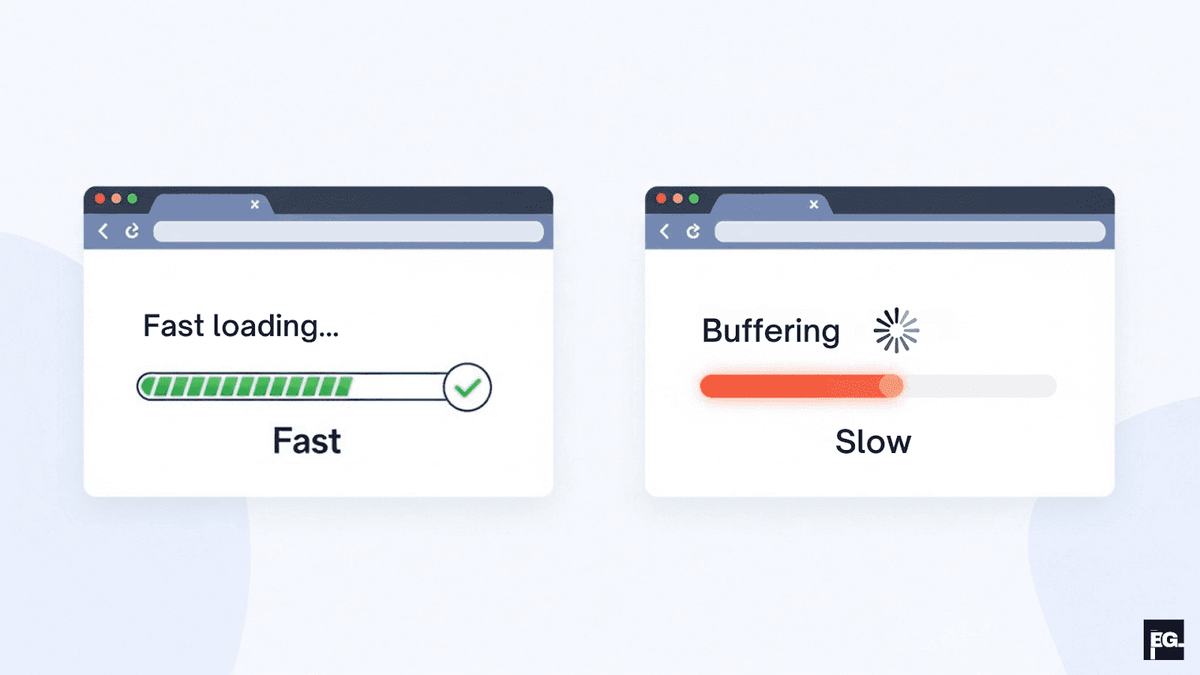
How Fast is “Fast Enough” in 2026?
There is no single magic number, but there are sensible targets. Google suggests aiming for Largest Contentful Paint (LCP) under 2.5 seconds, Interaction to Next Paint (INP) under 200 ms, and Cumulative Layout Shift (CLS) under 0.1. Independent benchmarks recommend that websites should load in under 2-3 seconds on typical connections, especially on mobile.
In real‑world tests, once load time passes about 4 seconds, bounce rate spikes dramatically, as the chart below shows:
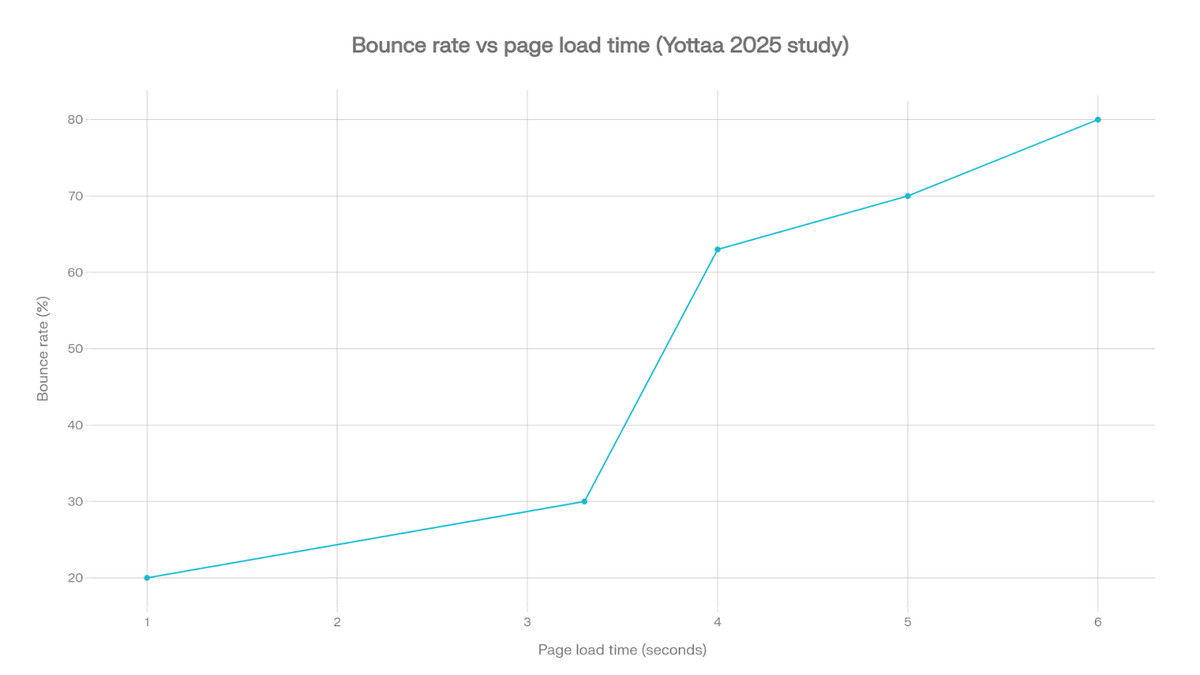
In practical terms if your pages load in around 1-3 seconds and feel stable and responsive, most visitors will stay and interact. Once website loading speed goes past 4-5 seconds, bounce rates rise quickly and conversion rates drop noticeably. Any improvement you make that moves you closer to the “under 3 seconds” range is worth it.
How to Increase Website Speed
This section gives you a clear, numbered process you can follow. You can work through it in order or start with the steps that match the biggest problems in your speed reports.
Step 1: Test Your Current Website Loading Speed
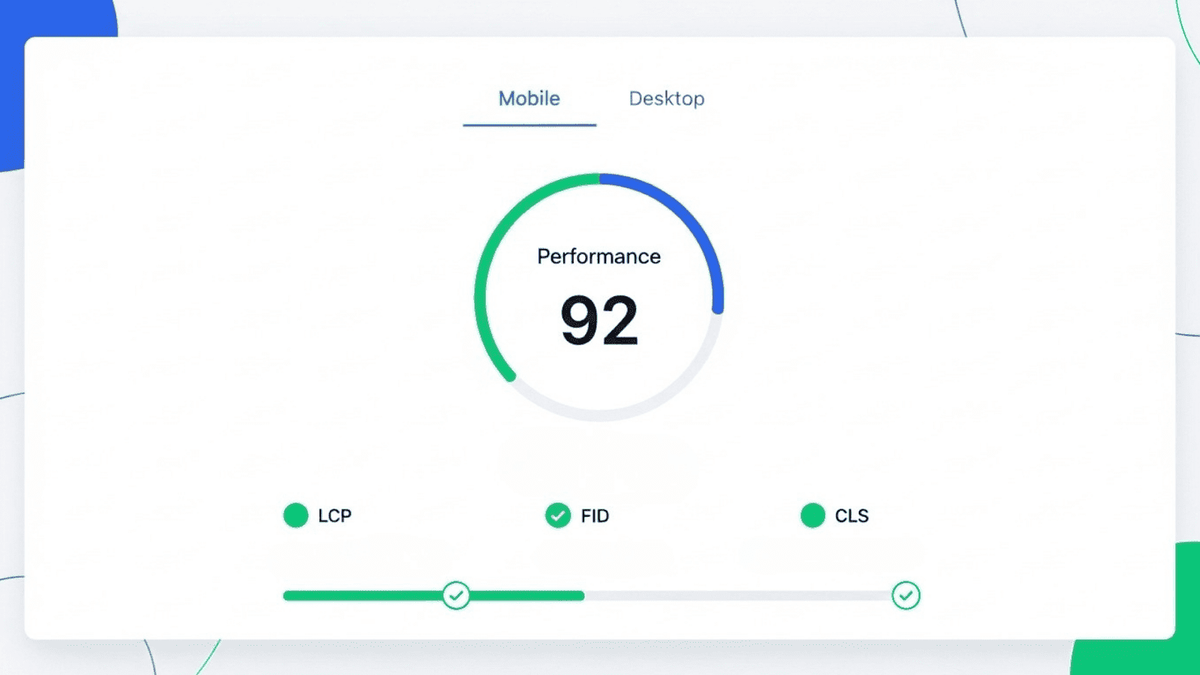
Before you change anything, measure where you are now. Guessing is not enough. Speed tests show which pages are slow and what is causing the delay.
Use at least one of these free tools:
- Google PageSpeed Insights : Paste your URL and see separate scores for mobile and desktop.
- Lighthouse in Chrome DevTools : Run a Performance audit to get a detailed report on page speed and accessibility.
- GTmetrix or WebPageTest : See a waterfall view that shows which files load in what order and how long each takes.
Test your homepage and your most important service, product, and landing pages on both mobile and desktop. Note which problems show up again and again, such as “large images”, “slow server response”, or “render blocking scripts”. These will guide your work.
Step 2: Upgrade Slow Hosting and Improve Server Response
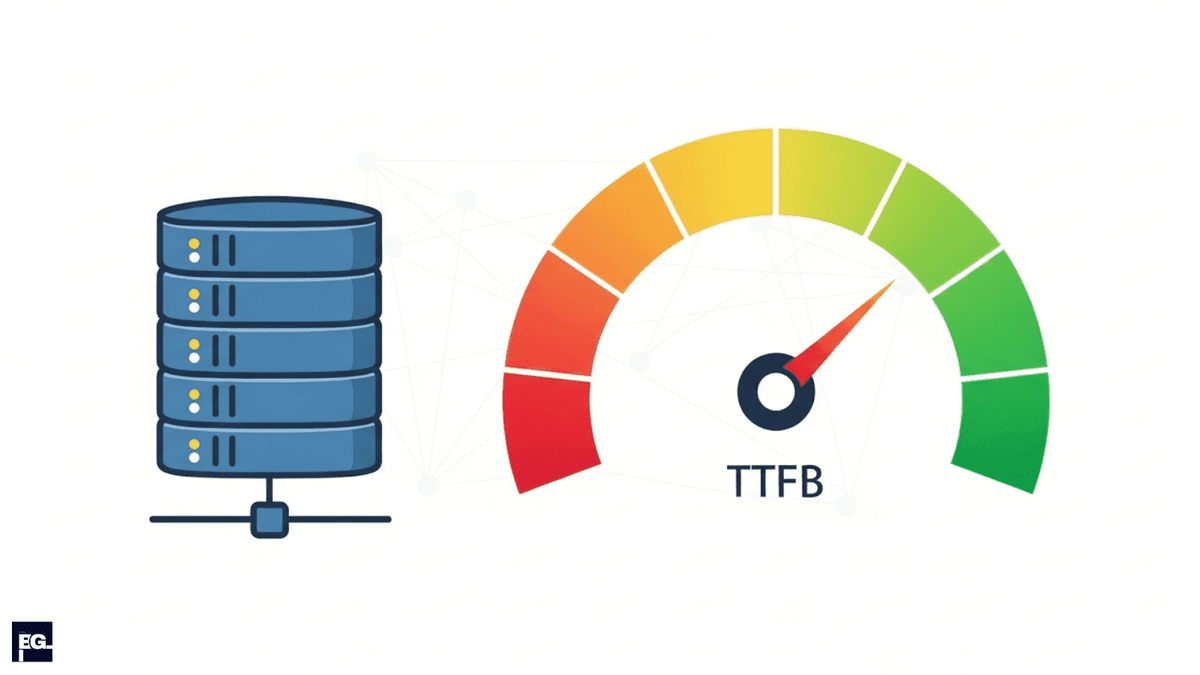
When you’re trying to fix website loading speed, your hosting is often the main culprit. If the server is slow or overcrowded, every page on your site will feel slow no matter how well you optimise everything else. A big part of better website loading speed is reducing the Time to First Byte (TTFB) and how long it takes for the first response from your server.
- Check your TTFB in your speed test reports. If it is regularly above about 800 ms, your hosting may be the bottleneck.
- If you are on very cheap shared hosting, consider upgrading to a higher quality shared plan, managed hosting, or a Virtual Private Server (VPS) with fewer sites on the same server.
- Choose a data centre or server location close to your main audience so data has less distance to travel.
A better hosting environment often cuts one or more seconds off your initial load time, which visitors feel immediately and which helps your Core Web Vitals scores.
Step 3: Turn On Caching So Pages Serve Faster
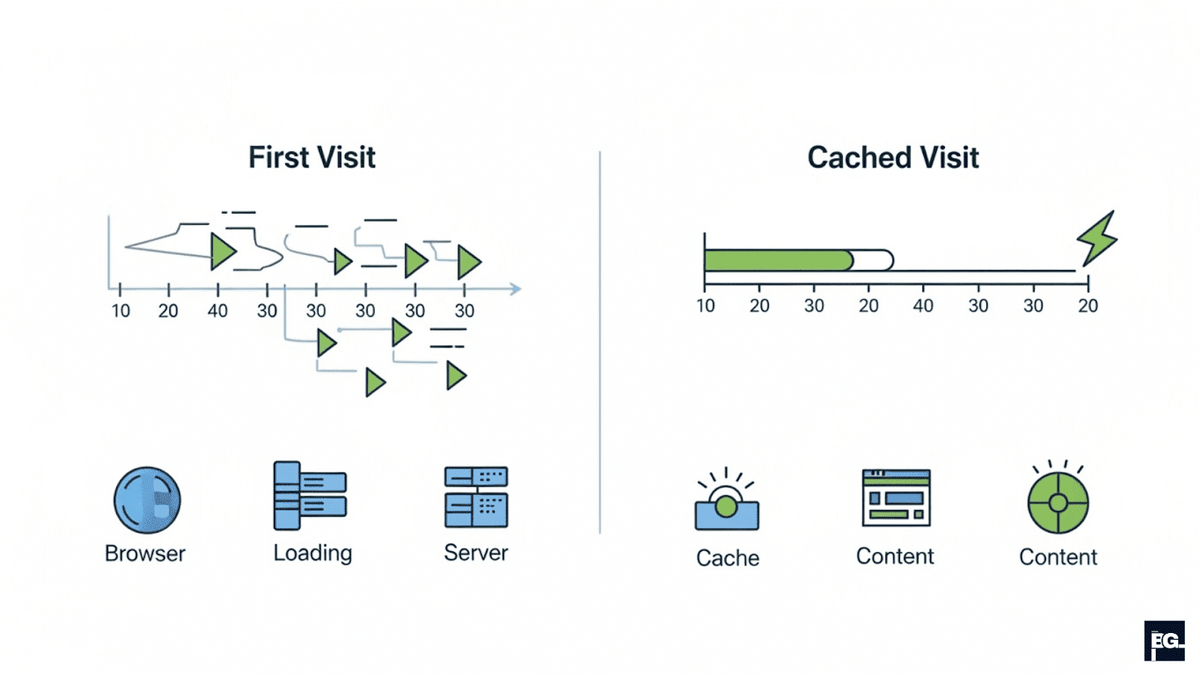
Caching lets your site serve ready made pages and files instead of rebuilding everything from scratch every time someone visits. It is one of the easiest and most powerful ways to increase website speed.
- Enable page caching on your server or through a performance plugin (for example, in WordPress or similar platforms).
- Enable browser caching so images, CSS, and JavaScript files are stored on the visitor’s device for a set period of time.
- After turning caching on, again run your speed tests to confirm that pages look correct and load faster.
With caching in place, repeat visitors and people who browse multiple pages will see a big jump in website loading speed.
Step 4: Use a Content Delivery Network (CDN)

A Content Delivery Network (CDN) stores copies of your static files on servers around the world. When someone visits your site, the CDN serves those files from the nearest location rather than from your main server, which reduces delays and speeds up delivery.
To set it up:
- Choose a CDN provider like Cloudflare and similar services, especially for small and mid‑size sites.
- Connect your domain by updating Domain Name System (DNS) settings according to the provider’s instructions.
- Turn on basic performance features such as caching static files and using modern protocols like HTTP/2 or HTTP/3 where available.
If your visitors are spread across different regions or countries, a CDN is one of the most effective ways to improve website loading speed for everyone.
Step 5: Optimise Images and Videos
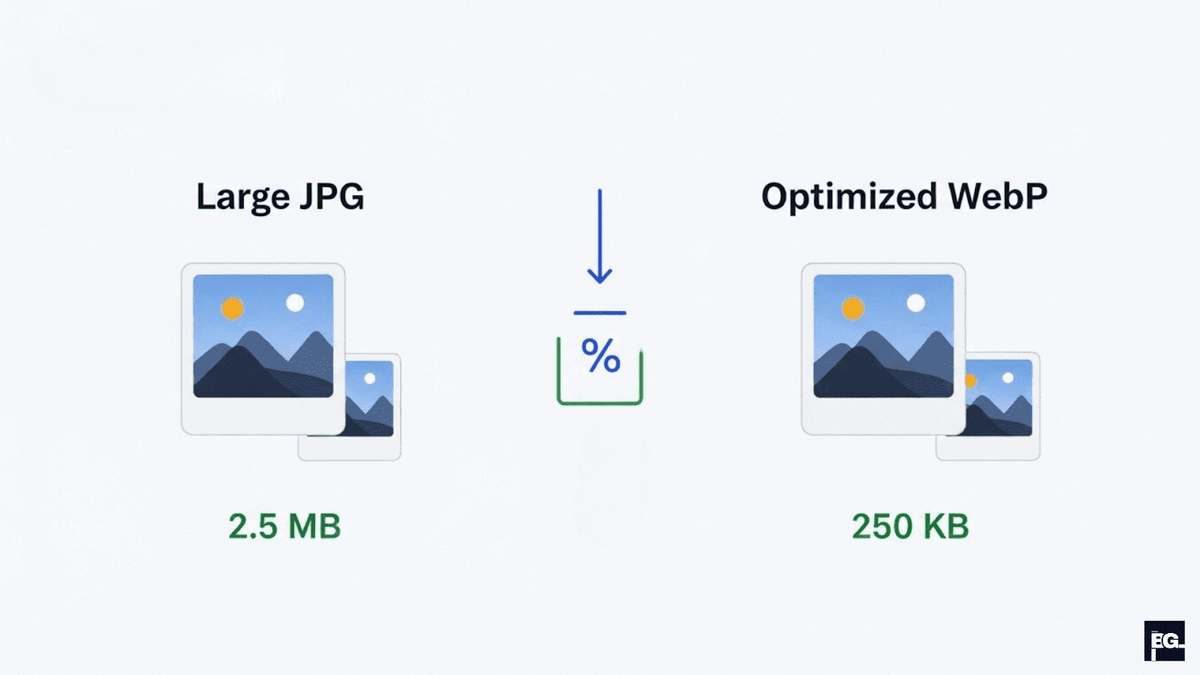
Large images and videos are among the most common reasons for slow website loading speed. High resolution media looks great, but if you upload it without optimisation, every visitor pays in extra waiting time.
Work through this media checklist:
- Resize images to the maximum size they actually appear on the page, no 4000 pixel photos in a 600 pixel container.
- Compress images using tools or plugins so file sizes drop without a big loss in visible quality.
- Use modern formats like WebP where possible, which often produce much smaller files than older formats.
These steps can easily cut total page weight by 30 to 70%, which has a direct impact on how fast your site feels and how well it scores in speed tests.
Step 6: Clean Up Code, Scripts and Plugins
Over time, sites collect plugins, tracking codes, chat widgets, pop‑ups, and other scripts. Each one adds extra code for the browser to download and run, which can slow down even a well hosted and well cached site.
To slim things down:
- Make a list of all plugins and third party scripts (analytics, chat, forms, pop‑ups, heatmaps, etc.).
- Remove anything you no longer use or that duplicates another tool (For example, you can safely remove things like an old heatmap tool you stopped using, a second analytics script you no longer check). Every removed script is one less file to load.
- Minify CSS, JavaScript, and HTML using your platform or a performance plugin so each file is smaller.
- Defer or delay non‑critical scripts so they load after your main content, instead of blocking the first paint of the page.
The aim is a lean setup where only the code that truly matters loads early. This makes pages feel lighter and more responsive.
Step 7: Make Your Site Fast and Friendly on Mobile
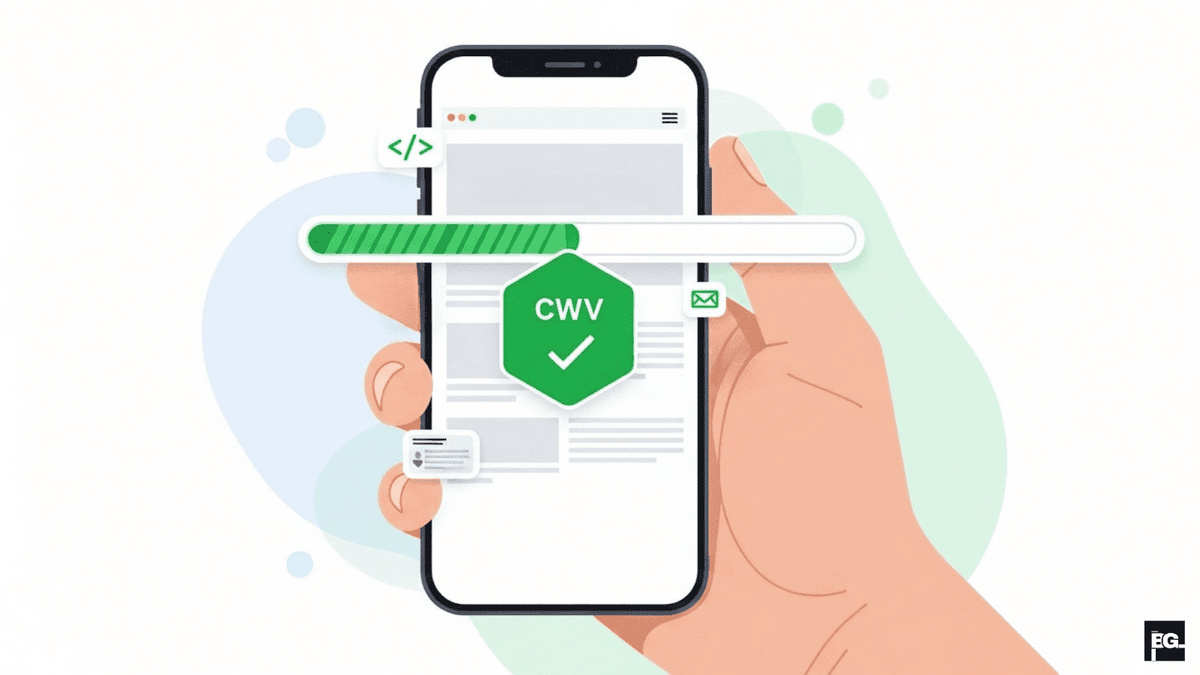
Most web traffic now comes from mobile devices, and Google uses mobile‑first indexing, which means it mainly looks at your mobile site when ranking you. If your mobile experience is slow or clumsy, both users and search engines will notice.
To improve website loading speed and usability on mobile:
- Run the mobile test in PageSpeed Insights and note specific mobile issues, such as slow LCP or heavy scripts.
- Check your site on real phones and different screen sizes. Make sure text is readable, buttons are large enough, and users do not need to zoom or scroll sideways.
- Avoid heavy pop‑ups, auto‑playing videos, and complex animations that load slowly or make layouts jump.
- Keep your mobile layout simple and focus on loading the content (header, hero section, key message) as fast as possible.
A fast, clean mobile experience improves Core Web Vitals and keeps visitors on your site longer, which leads to more leads and sales.
Step 8: Build a Simple Speed Maintenance Routine
Website loading speed is not something you fix once and forget. New content, design changes, and extra tools can slowly make things heavy again if you do not pay attention.
Create a light routine like this:
- Every month: Run speed tests on your key pages and fix any new warnings that appear.
- Before big changes: If possible, test on a staging site when adding new themes, plugins, or scripts, and only push them live if speed remains acceptable.
- Every quarter: Review all plugins, third‑party scripts, and media. Remove what you do not need and compress any new images or videos you have added.
- Ongoing: Watch your Core Web Vitals report in Google Search Console and address “needs improvement” or “poor” URLs.
With this simple schedule, you keep website loading speed under control and avoid nasty surprises during campaigns or high‑traffic periods.
Final Thoughts: Speed Is a Business Problem, Not Just a Tech Problem
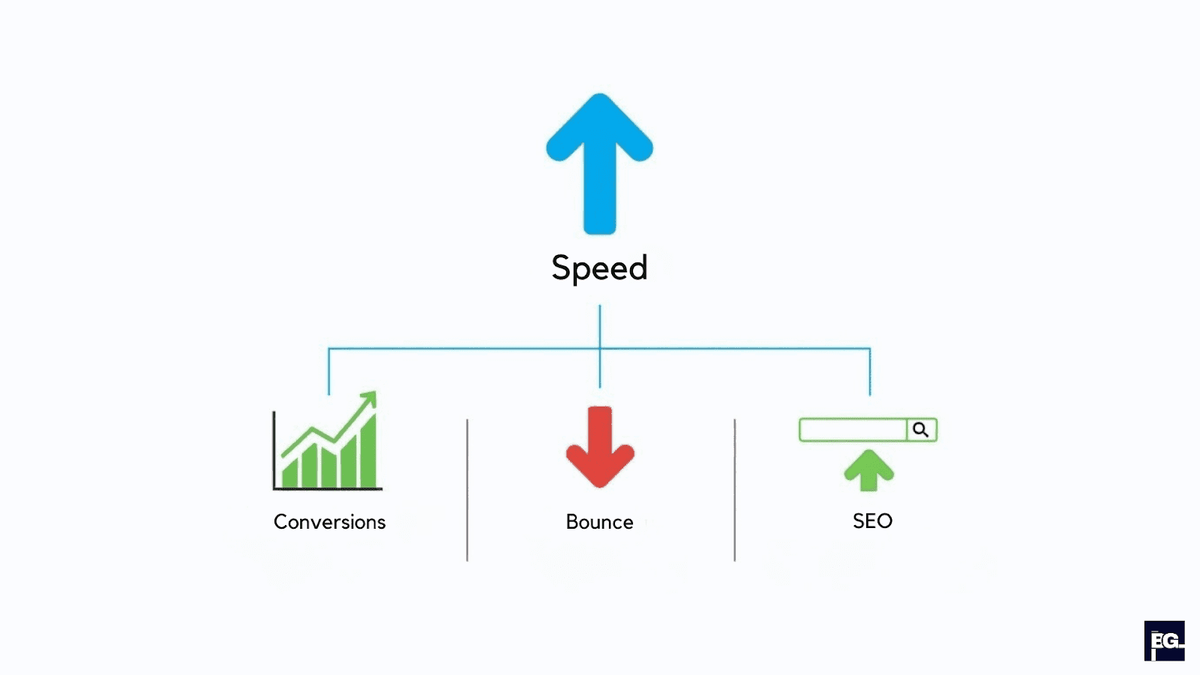
It is easy to see performance as something only developers should worry about, but in 2026, speed is clearly a business issue. A fast site feels trustworthy, modern, and respectful of people’s time. A slow site quietly pushes visitors away before they ever see your content or your offer, which means lost traffic, lost leads, and lost revenue.
Quick Recommendation: If you take website loading speed seriously and follow these steps, test, improve hosting, enable caching, use a CDN, optimise images and code, focus on mobile, and maintain performance over time, you will give both users and search engines a much better experience. That is how to increase website speed in a practical way and turn it into a real competitive advantage for your brand.
If you want expert help turning these ideas into real results, Braingig can do the heavy lifting for you. We design and build fast, conversion‑focused websites, audit existing sites for performance issues, and set up the right mix of hosting, caching, CDN, and on‑page fixes to improve website loading speed without breaking your design. Contact our team today!